A Virtual Private Server, also known as a VPS. Let’s dive straight into this topic!
What is a VPS?
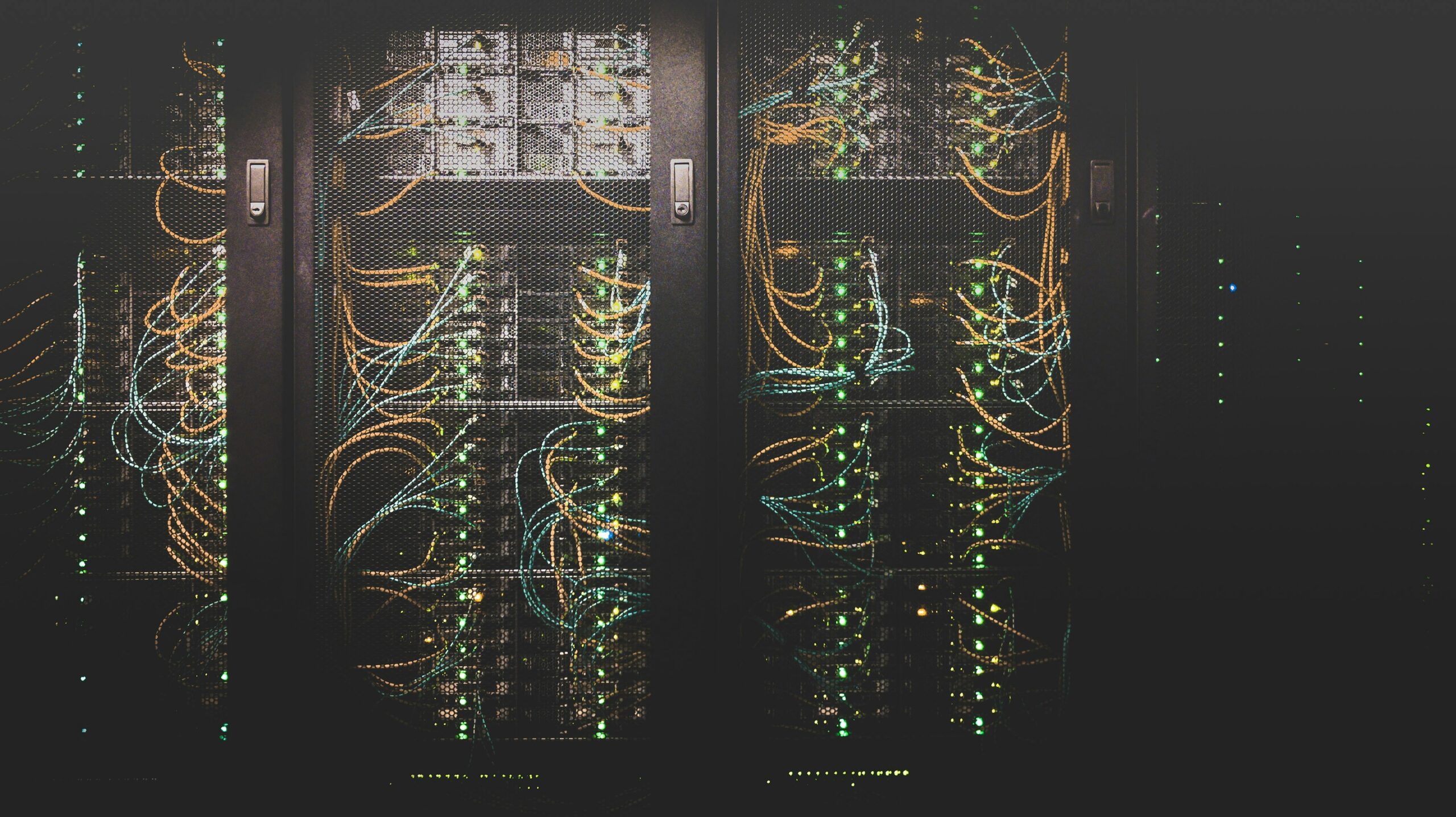
A Virtual Private Server runs on a physical computer in a data centre. This machine is also known as a “server”. It’s a purpose-built computer that sits in a building with many other computers.
Depending on the use cases involved. Each server will likely be different to suit different needs. One of those needs is a provider selling access to their servers in the form of “Virtual Private Servers”.
A VPS can be viewed as a slice of a big pie. Often with pie, you don’t physically want to eat the whole thing yourself. Instead, you have a slice, and that’s all you need to be full.
That is essentially what a VPS is. You’re renting a small part of a server.
We’ve covered the hardware aspect, but what about the software? You’re in luck! Once you buy your first VPS, you’ll see there are plenty of options to install your own Operating System. You’ll have free selection of predominantly Linux options, such as Ubuntu, Debian, Fedora and AlmaLinux.
Why should I get a VPS?
Now, why should I be purchasing a VPS? There are multiple reasons, and they vary depending on your needs.
Here are a few examples:
- Self-host Bitwarden. A popular password manager.
- Self-host your own website. Such as your resume or a uni project.
- Self-hosted Virtual Private Network (VPN). Giving you full control rather than trusting others.
- Self-hosted WordPress site
- Docker containers
- And many more use cases.
Where do I purchase my VPS?
There are thousands of providers that will sell you a VPS. But before you start diving deep into which one to use. You’ll need to think about your use case. For example, the audience’s geography and the provider’s unique selling points. They all play a part in who you may host with.
If my site is in Germany, but my primary audience is in LA. The result will be slow loading times and frustrated users.
If my VPS is in Germany, but my audience is American. The result will be suboptimal loading times on the East Coast and slow loading times on the West Coast.
If my VPS is in London and my primary audience is in the UK. The result will be optimal loading times for my visitors.
My suggestion is that you need to answer these three questions:
- Who will be connecting to my server?
- What are the system requirements for the software I want to use?
- What geography should I consider?
Once you have those answers. You’ll then want to visit sites like LowEndTalk to figure out the best option for you.
How do I secure my VPS?
This is a big topic! And it rightfully should be covered extensively. But today I’ll cover the basics.
- Update the system
- Install necessary software
- Lock down the firewall.
- Proceed with your installation.
Let’s cover them one by one.
Update the system
This depends on what operating system you installed after purchasing the VPS. But the basics covered are the following:
Ubuntu
Debian
Fedora
AlmaLinux
Warning
There is a large amount of knowledge involved within the topics we’ve only briefly touched upon. Please be extra cautious with everything you do. It’s easy to misconfigure a server and expose it to malicious actors without realising it.